Managing a pharmacy involves more than simply selling medicines. Pharmacies need to keep track of products, stock quantities, batches, expiry dates, suppliers, purchases, sales, returns, and customer transactions.
When these tasks are managed manually, it can become difficult to maintain accurate records, especially as the number of products and daily transactions increases.
A Pharmacy POS System can bring sales and inventory management together in one centralized platform. It helps pharmacy staff process transactions while giving business owners better visibility into their stock and daily operations.
For pharmacies looking for reliable POS Software in Pakistan, choosing a system that supports their specific inventory and sales requirements can make everyday management easier.
What Is a Pharmacy POS System?
A Pharmacy POS System is point-of-sale software designed to help pharmacies manage sales transactions and related business operations.
Unlike a basic cash register, pharmacy POS software can provide tools for managing products, inventory, purchases, suppliers, customers, and reports.
Depending on the system, pharmacy businesses may use POS software to manage:
- Medicine and product records
- Sales and invoices
- Inventory
- Product batches
- Expiry dates
- Purchases
- Suppliers
- Sales returns
- Purchase returns
- Customer records
- Barcode scanning
- Stock adjustments
- Business reports
The exact features available depend on the POS software and the pharmacy’s requirements.
Why Do Pharmacies Need POS Software?
Pharmacies often manage a large number of products with different prices, quantities, suppliers, batches, and expiry dates.
Keeping all this information in notebooks or spreadsheets can become difficult and time-consuming.
A pharmacy POS system can centralize important information and reduce repetitive manual work.
For example, when a product is sold, the transaction can be recorded in the system and the relevant inventory quantity can be updated.
This gives pharmacy owners a clearer view of their daily sales and available stock.
Key Features of a Pharmacy POS System
1. Pharmacy Sales Management
The primary function of a POS system is to process sales efficiently.
Staff can search for products, scan barcodes, add items to an invoice, apply appropriate pricing, and complete the transaction.
A faster checkout process can be particularly useful for pharmacies serving many customers throughout the day.
2. Medicine Inventory Management
Inventory management is one of the most important parts of running a pharmacy.
A POS system can help track available quantities and product movements.
Pharmacy owners can monitor:
- Current stock
- Sold products
- Purchased products
- Returned products
- Damaged products
- Stock adjustments
Having this information in one place can make stock management more organized.
3. Batch Tracking
Many medicines and pharmacy products are supplied in batches.
A POS system that supports batch-level inventory can help businesses maintain records associated with different batches.
This can make it easier for staff to identify which batch a product belongs to when reviewing inventory.
Businesses should choose a system based on the batch-management requirements applicable to their operations.
4. Expiry Date Management
Expiry management is an important consideration for pharmacies.
Products approaching their expiry date may require special attention to avoid unnecessary inventory losses.
Pharmacy inventory software can store expiry information and provide relevant reports or alerts, depending on the system’s capabilities.
This can help staff identify products that need review before their expiry dates.
5. Barcode Scanning
Barcode scanning can make pharmacy checkout and inventory operations faster.
Instead of manually entering product information, staff can scan a product barcode and retrieve the corresponding record from the POS system.
This can reduce repetitive data entry and help minimize errors when processing large numbers of products.
6. Purchase and Supplier Management
Pharmacies regularly purchase products from suppliers and distributors.
A POS system can maintain purchase records and supplier information, making it easier to review purchasing activity.
Businesses can track information such as:
- Supplier details
- Purchased products
- Purchase quantities
- Purchase costs
- Purchase dates
- Purchase returns
This creates a more organized purchasing history.
How Does a Pharmacy POS System Manage Inventory?
A pharmacy POS system can connect sales and inventory operations.
For example, imagine a pharmacy has 100 units of a particular product.
If 5 units are sold through the POS system, the available quantity can be updated according to the transaction.
If the pharmacy later purchases another 50 units, the purchase can be recorded and the inventory adjusted accordingly.
This creates a continuous record of stock movement.
The same principle can be applied to returns, damages, and stock adjustments.
Managing Expiring Products
Expiry management deserves special attention in pharmacy inventory operations.
A pharmacy may have thousands of products, making it difficult to manually check every expiry date.
A suitable POS inventory system can store expiry information and help staff identify products approaching their expiry date.
Pharmacy owners can then review these products and take appropriate action according to their business procedures and applicable requirements.
A POS system should support better record keeping; it should not replace professional pharmacy, regulatory, or clinical procedures.
Pharmacy Sales Reports
Reports help pharmacy owners understand how their business is performing.
A POS system can provide different types of reports depending on the available modules.
Common examples include:
- Daily sales reports
- Product sales reports
- Inventory reports
- Purchase reports
- Supplier reports
- Return reports
- Stock adjustment reports
- Payment reports
These reports can help owners review business activity and identify areas that require attention.
Customer Management in a Pharmacy POS
Some pharmacies maintain customer records to make recurring transactions easier to manage.
A POS system can store customer information and transaction history where appropriate.
This can help staff locate previous transactions when handling returns or customer queries.
Businesses should ensure that customer information is handled securely and according to applicable privacy and data-protection requirements.
Can a Pharmacy POS System Work Offline?
Internet connectivity is not always consistent.
If a pharmacy depends completely on an internet connection for checkout, an outage may interrupt normal operations.
An offline-capable POS system can allow supported operations to continue when the internet is temporarily unavailable.
Depending on the software architecture, transactions stored locally can be synchronized with the cloud after connectivity is restored.
Before choosing an offline POS, pharmacies should verify which features work without internet access and how synchronization is handled.
Why Choose FTA POS for Pharmacy Management?
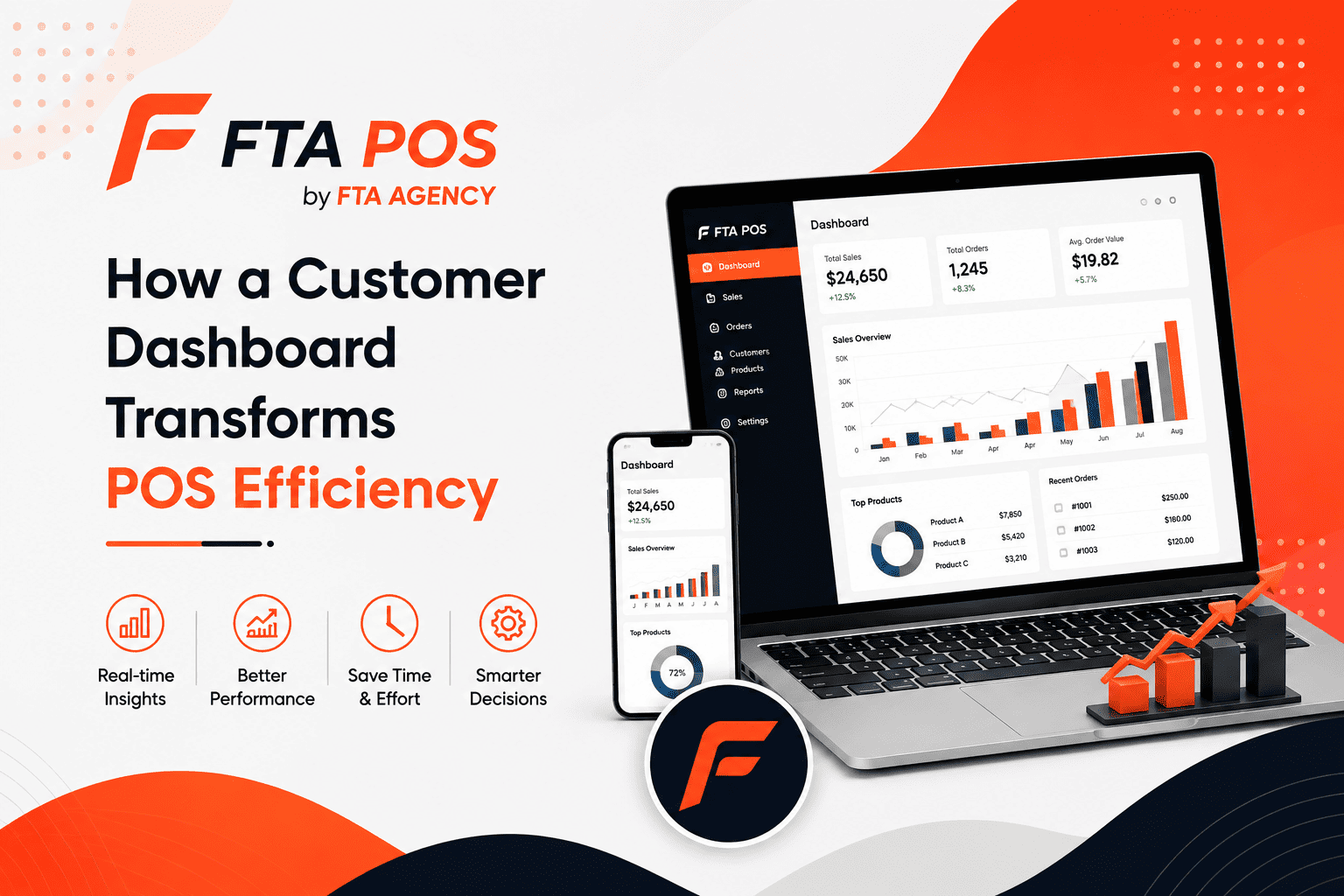
FTA POS is designed to help businesses manage sales, products, inventory, purchases, customers, returns, and reporting from a centralized platform.
For a pharmacy business, relevant POS capabilities can help organize areas such as:
- Product management
- Inventory management
- Barcode-based sales
- Purchases
- Suppliers
- Sales returns
- Stock adjustments
- Damages
- Business reports
- User management
FTA POS can help businesses move away from disconnected manual records and bring important daily operations into one system.
For businesses searching for Pharmacy POS Software in Pakistan, FTA POS can be considered as a centralized POS and business-management solution based on the pharmacy’s specific operational requirements.
Benefits of Using FTA POS in a Pharmacy
Better Inventory Visibility
A centralized system can make it easier to review available stock and product movement.
Faster Checkout
Barcode-based product searches and organized sales workflows can help employees process transactions more efficiently.
Organized Purchase Records
Pharmacies can maintain supplier and purchase information within the same business system.
Easier Reporting
Business owners can review sales, inventory, purchases, returns, and other available reports from the POS platform.
Reduced Manual Record Keeping
Automating routine sales and inventory records can reduce the amount of repetitive manual data entry.
Centralized Business Management
Instead of managing sales, products, purchases, and inventory through separate records, businesses can manage them through a connected POS platform.
What Should You Check Before Buying Pharmacy POS Software?
Every pharmacy has different requirements, so it is important to evaluate the software before making a decision.
Consider whether the system provides:
- Product and inventory management
- Barcode support
- Batch management if required
- Expiry tracking if required
- Purchase and supplier management
- Sales and returns
- Stock adjustments
- Reports
- User permissions
- Offline functionality
- Backup and synchronization
- Multi-branch support if needed
- Technical support
You should also verify that the software fits the regulatory and operational requirements applicable to your pharmacy.
Final Thoughts
A pharmacy handles a large amount of product and transaction information every day. Managing this information manually can become increasingly difficult as the business grows.
A Pharmacy POS System can connect sales, inventory, purchases, suppliers, products, returns, and reporting in one centralized platform.
For pharmacies in Pakistan, the right POS solution should be selected according to the pharmacy’s size, product catalog, branches, employees, inventory requirements, and applicable regulatory processes.
FTA POS by FTA Agency provides a centralized POS platform for managing sales and business operations, with features that can support inventory-focused businesses such as pharmacies.
The goal of a modern POS system is not simply to process a payment—it is to give the business better control over its everyday operations.