What Is a POS System? How POS Software Improves the Customer Experience
Running a business today involves much more than simply selling products or accepting payments. Businesses need to manage sales, inventory, customers, employees, purchases, reports, and daily operations efficiently. This is where a modern Point of Sale (POS) system becomes an important part of business management.
A POS system allows businesses to process transactions while also helping them manage many of the activities behind every sale. For retailers, supermarkets, wholesalers, restaurants, and other businesses, the right POS software can make daily operations faster, more organized, and easier to monitor.
For businesses in Pakistan, a reliable POS Software Pakistan solution can provide both sales management and business control from one system.
What Is a Point of Sale (POS) System?
A Point of Sale (POS) system is a combination of software and hardware used by businesses to process customer purchases and manage sales transactions.
A traditional cash register mainly records payments. A modern POS system can do much more. Depending on the software, businesses can use it to:
- Process sales and invoices
- Manage products and inventory
- Track purchases and suppliers
- Generate sales reports
- Manage customers
- Apply discounts and taxes
- Manage multiple branches
- Monitor employee activity
- Track returns and exchanges
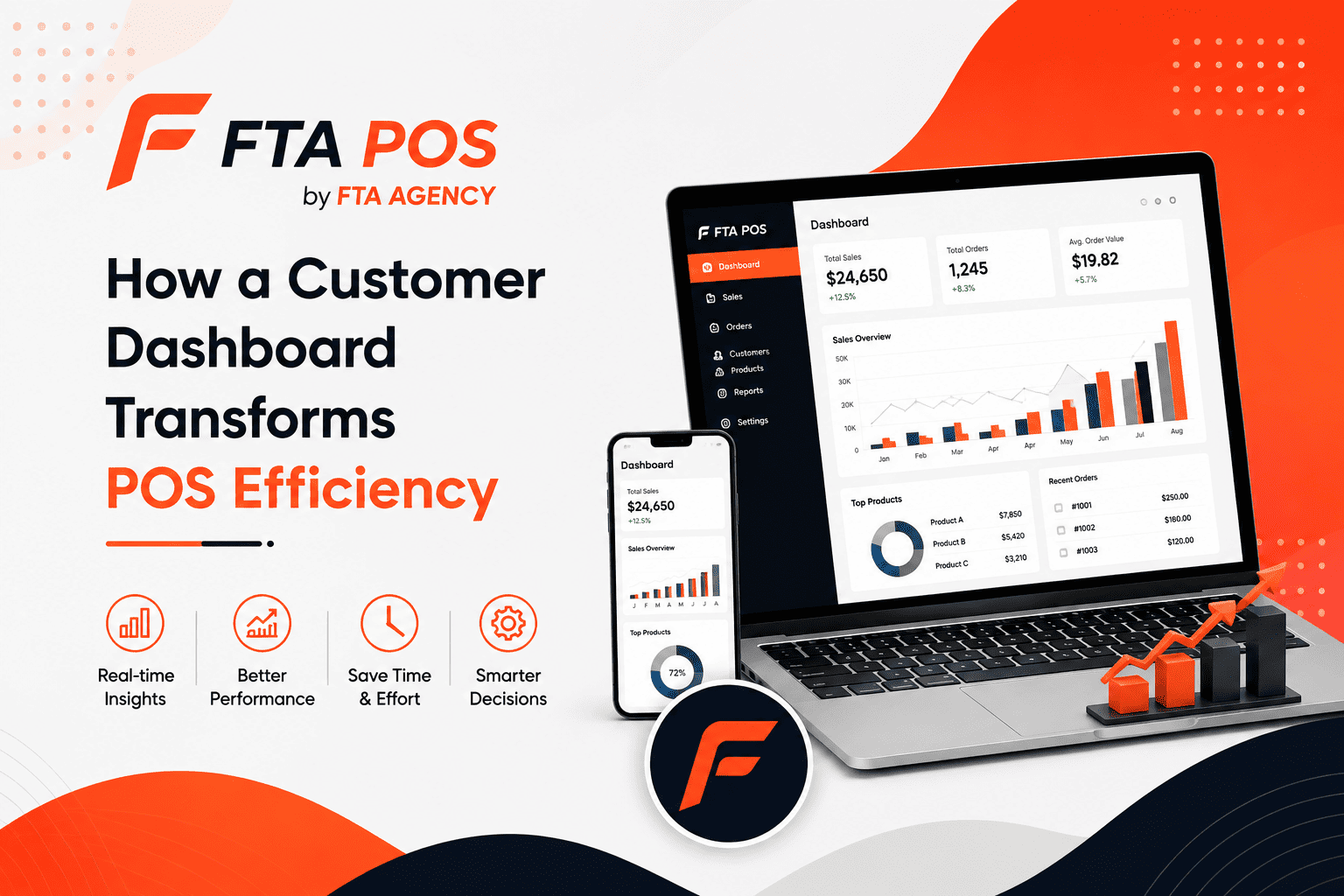
- Manage business operations from a central dashboard
This makes POS software an important business-management tool rather than simply a digital cash register.
How Does a POS System Work?
A typical POS transaction starts when a customer selects a product or service.
The cashier can search for the product or scan its barcode. The POS system then retrieves the product information, calculates the price, applies any applicable discount or tax, and records the transaction.
After payment is completed, the system can generate a receipt and automatically update inventory.
For example, if a supermarket sells five units of a product, the POS system can record the sale and reduce the available stock automatically. Business owners can then check updated sales and inventory information from their reports.
Key Features of Modern POS Software
Different businesses have different requirements, but a modern POS system commonly includes several important features.
1. Sales and Invoice Management
POS software makes it easier to create invoices and process sales quickly. Cashiers can search products, scan barcodes, apply discounts, and complete transactions without manually calculating every item.
2. Inventory Management
Inventory management is one of the most important functions of a POS system.
Businesses can monitor available stock, purchases, sales, returns, damages, and stock adjustments from one system.
This can help business owners identify products that are selling quickly and keep better control over their inventory.
3. Barcode Support
Barcode scanning can significantly speed up checkout operations in retail stores and supermarkets.
Instead of entering product information manually, staff can scan a barcode and immediately add the product to the sale.
4. Customer Management
A POS system can store customer information and transaction history. This can help businesses understand purchasing activity and maintain better customer records.
5. Reports and Business Insights
POS reports provide business owners with information about their daily operations.
Depending on the system, reports may include:
- Daily sales
- Product sales
- Profit and loss
- Inventory
- Purchases
- Returns
- Customer activity
- Payment methods
- Branch performance
These reports can help owners make decisions using actual business data instead of relying only on manual records.
What Is the POS Experience?
The POS experience refers to the overall experience a customer and employee have during the checkout and payment process.
A good POS experience should make transactions simple, accurate, and efficient.
For customers, this means they should not have to wait unnecessarily while staff search for products, calculate totals, or process payments.
For employees, the POS interface should make everyday tasks easy to understand and quick to complete.
A well-designed POS system therefore affects both sides of the transaction.
Why Is a Good POS Experience Important?
The checkout process is one of the final interactions a customer has with a business. If the process is unnecessarily slow or complicated, it can negatively affect the customer’s overall experience.
On the other hand, a fast and organized checkout process can make purchasing more convenient.
For businesses with high customer volumes—such as supermarkets, retail stores, restaurants, and fast-food businesses—transaction speed can be particularly important during busy periods.
A reliable POS system can help staff process more transactions while keeping sales records organized.
How Offline POS Software Can Help Businesses
Internet connectivity is not always reliable.
A business may experience an internet outage, network problem, or temporary connectivity issue. If the POS system completely depends on an internet connection, these problems can interrupt normal sales operations.
An offline POS system can allow businesses to continue performing supported POS operations even when the internet is unavailable.
Transactions and relevant data can be stored locally and synchronized with the cloud when the connection becomes available again, depending on the system’s architecture.
This can be particularly useful for businesses that need their checkout operation to continue during temporary internet problems.
Cloud POS and Centralized Business Management
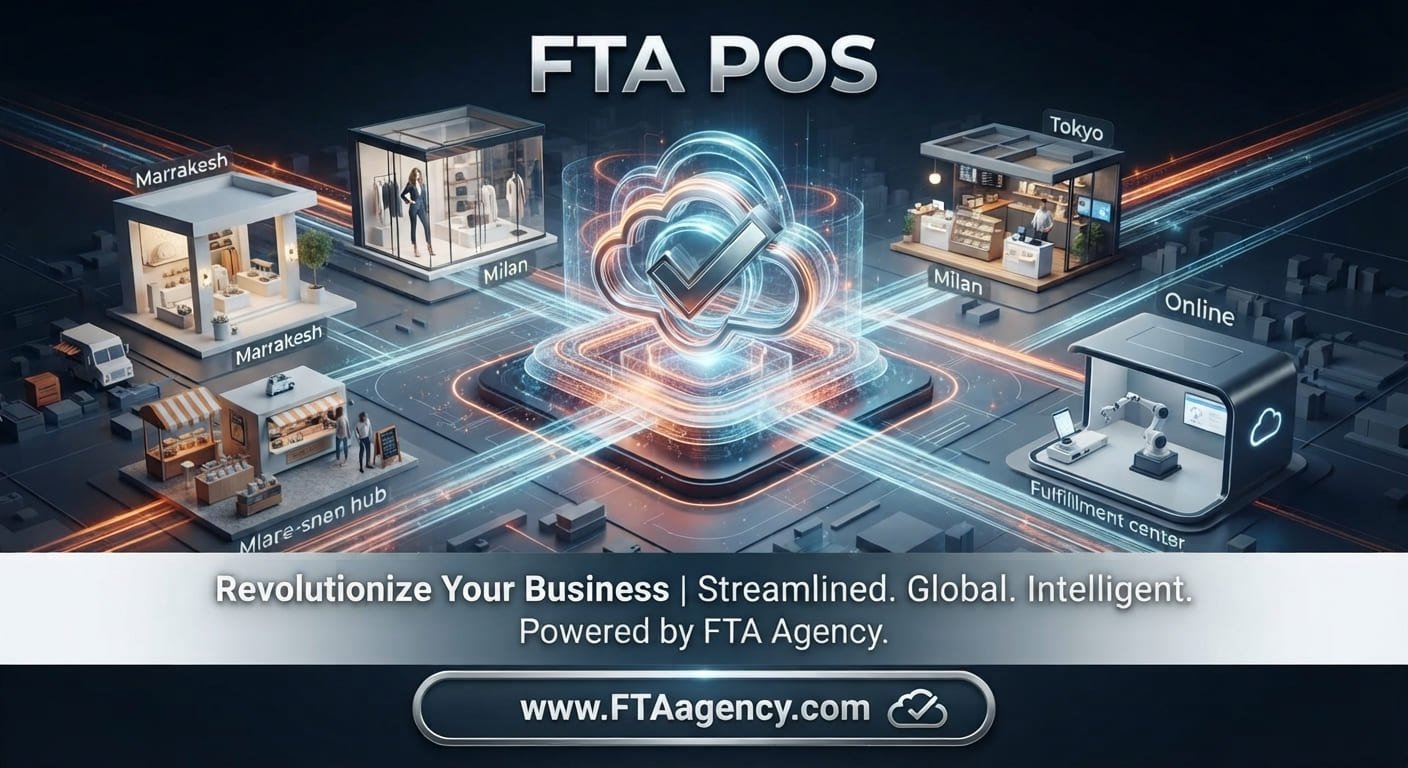
Cloud-based POS software allows business information to be managed through a centralized online system.
For business owners operating multiple branches, this can provide a convenient way to monitor operations without being physically present at every location.
A business owner may be able to review:
- Sales
- Inventory
- Purchases
- Reports
- Users
- Customers
- Branch activity
from a central dashboard.
This is especially useful for businesses that are expanding and need better control over multiple locations.
POS Software for Different Types of Businesses
A POS system is not limited to one industry. Different businesses can use different modules and workflows according to their requirements.
Retail Stores
Retail businesses can use POS software for barcode scanning, inventory management, sales, returns, customer management, and reporting.
Supermarkets and Grocery Stores
Supermarkets generally deal with large product catalogs and frequent transactions. A POS system can help manage products, stock levels, barcode sales, purchases, and fast checkout.
Wholesale and Distribution
Wholesalers and distributors need to manage products, customers, purchases, sales, pricing, and inventory. POS and inventory software can bring these operations together in one system.
Restaurants
Restaurant POS systems can support menus, tables, orders, kitchen operations, bills, payments, and restaurant reporting.
Electronics and Mobile Shops
Electronics businesses often need product tracking, inventory control, barcode management, sales records, and customer information.
FTA POS: POS Software for Growing Businesses
FTA POS is designed to help businesses manage their daily sales and operations through a centralized POS solution.
Businesses can use FTA POS for functions such as sales, products, inventory, purchases, customers, returns, reports, and other business-management operations.
The system can be used across different business categories, including retail, supermarkets, wholesale and distribution, electronics, hardware, books and stationery, and other businesses.
For businesses looking for POS Software Pakistan, FTA POS provides a solution focused on simplifying everyday business management.
What Should You Look for in a POS System?
Before choosing POS software, businesses should consider their actual operational requirements.
Important factors include:
Ease of Use
Employees should be able to learn the system without unnecessary complexity.
Inventory Management
The system should provide appropriate tools for monitoring products and stock.
Reporting
Business owners should have access to useful reports that help them understand sales and operations.
Offline Capability
If internet connectivity is a concern, businesses should check whether the POS supports offline operation and how synchronization works.
Multi-Branch Support
Businesses planning to expand should consider whether the POS can support multiple branches and centralized management.
Scalability
The POS should be capable of supporting the business as its product catalog, users, transactions, and branches grow.
Support
Reliable technical support is also important because POS software is part of the daily operation of a business.
Final Thoughts
A POS system is no longer simply a tool for accepting payments. Modern POS software can connect sales, inventory, purchasing, customers, employees, and reporting in one business-management system.
A fast checkout process can improve day-to-day operations, while accurate inventory and reporting can give business owners greater visibility into their business.
For businesses in Pakistan, choosing the right POS Software Pakistan solution depends on the type of business, number of products, branches, employees, transaction volume, and operational requirements.
FTA POS helps businesses bring important sales and management operations together in one platform, making it easier to manage everyday business activities and monitor business performance.